Tips
Why Your Bullet Points Are Losing You Money
•
6 Minutes
Bullet points feel safe.
They look professional. They make it seem like you covered everything. And they're the fastest way to turn a buying meeting into a reading assignment.
Here's the problem: in high-stakes meetings, reading mode is decision death. If your audience is scanning text, they're not tracking your logic. If they're not tracking your logic, they won't feel confident. And if they don't feel confident, the meeting ends the way you dread most:
"Send this over and we'll circle back."
This post breaks down how bullet points quietly leak revenue, and the framework we use to replace lists with slides that actually move deals forward.
The Real Cost: Bullet Points Don't Clarify, They Dilute
There's a reason bullet points are everywhere in sales decks. Teams reach for them when they're trying to be thorough: "Let's include everything in case they ask." "We need to prove we've thought this through." "We'll talk through it live."
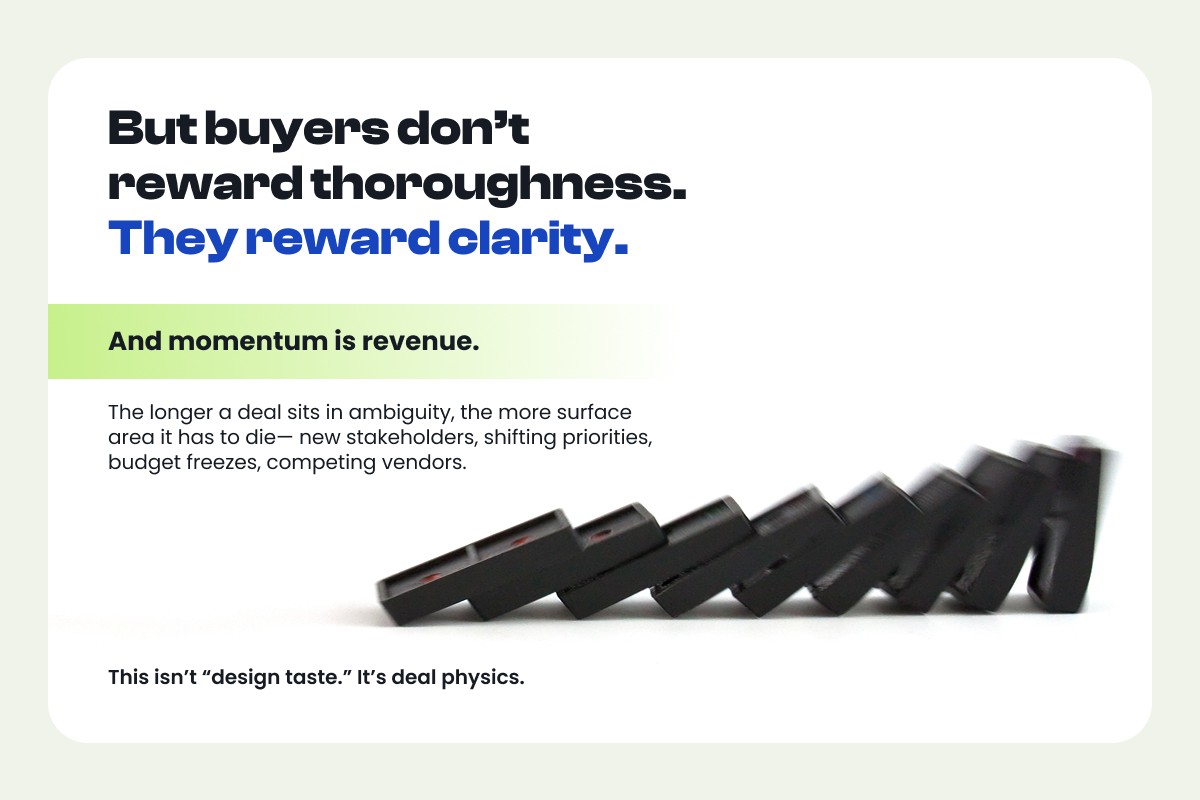
But buyers don't reward thoroughness. They reward clarity. And momentum is revenue.
When a slide becomes a list, three things happen. Your message loses hierarchy, because everything looks equally important. Your audience does the work, interpreting and prioritizing what you should have already sorted for them. And you lose momentum, because the meeting becomes a discussion about the slide instead of the decision.
The longer a deal sits in ambiguity, the more surface area it has to die: new stakeholders, shifting priorities, budget freezes, competing vendors. This isn't "design taste." It's deal physics.
Bullet Points Force Your Buyer Into Reading Mode
A bullet slide triggers a simple behavior: people start scanning.
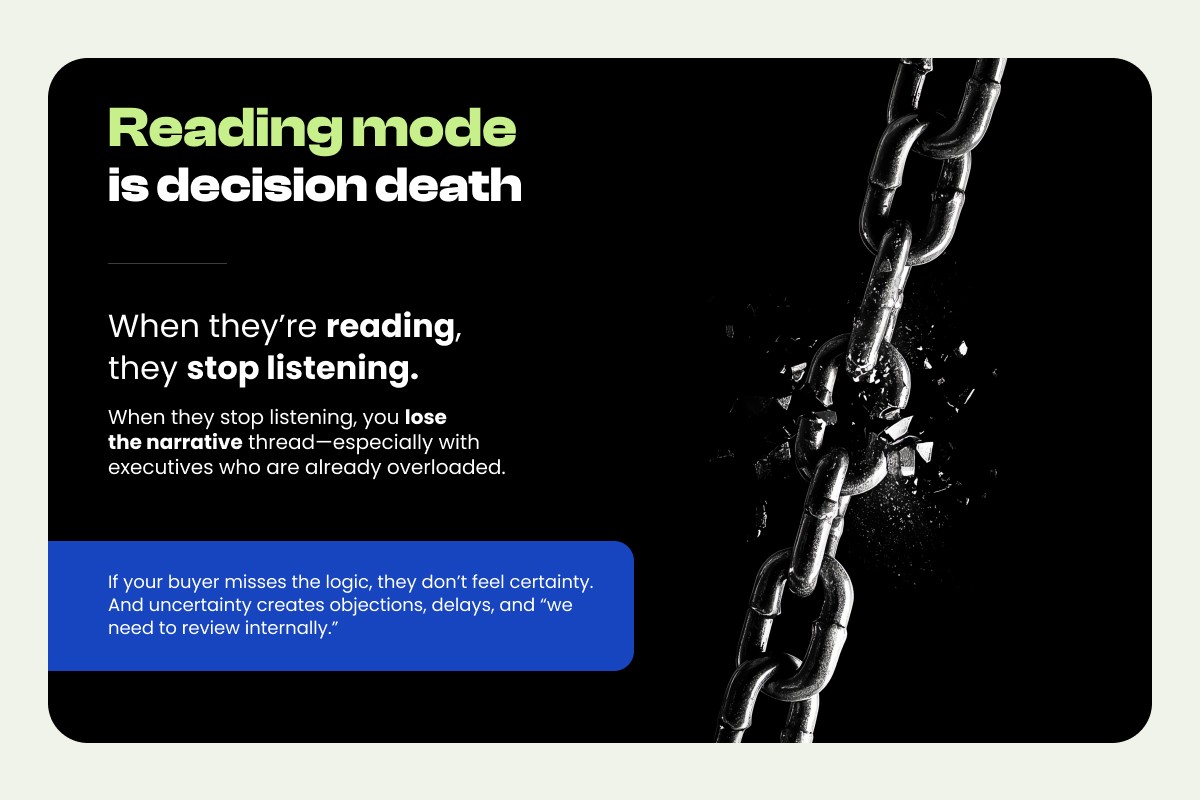
That sounds harmless until you remember what you actually need in a sales conversation: attention, comprehension, and conviction. When they're reading, they stop listening. When they stop listening, you lose the narrative thread, especially with executives who are already overloaded. If your buyer misses the logic, they don't feel certainty. And uncertainty creates objections, delays, and "we need to review internally."
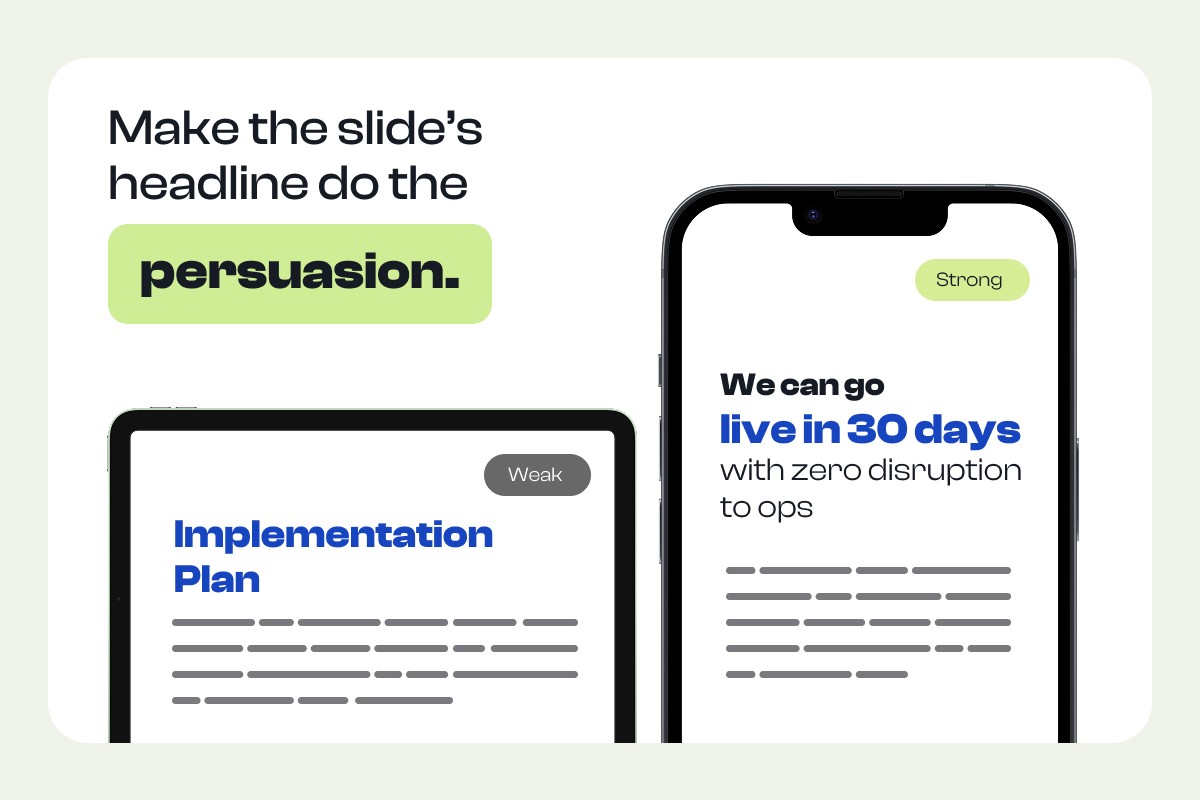
The fix is to make the slide's headline do the persuasion.
A topic headline like "Implementation Plan" tells them nothing. A conclusion headline like "We can go live in 30 days with zero disruption to ops" tells them everything they need to feel confident. Support that headline with one evidence element: a simple timeline, a three-step flow, or a single metric callout. One message. One proof. That's the slide.
Bullet Points Flatten Importance (and Hide What You Want Them to Do)
Bullets are structurally democratic. Every line gets the same visual weight.
But persuasion requires the opposite: prioritization. In a buying meeting, your audience is asking: What matters most? What's the tradeoff? What do you want me to decide? A bullet list rarely answers those questions. It's information without intention. When the decision isn't explicit, your buyer invents one — often smaller, safer, and slower than what you need.
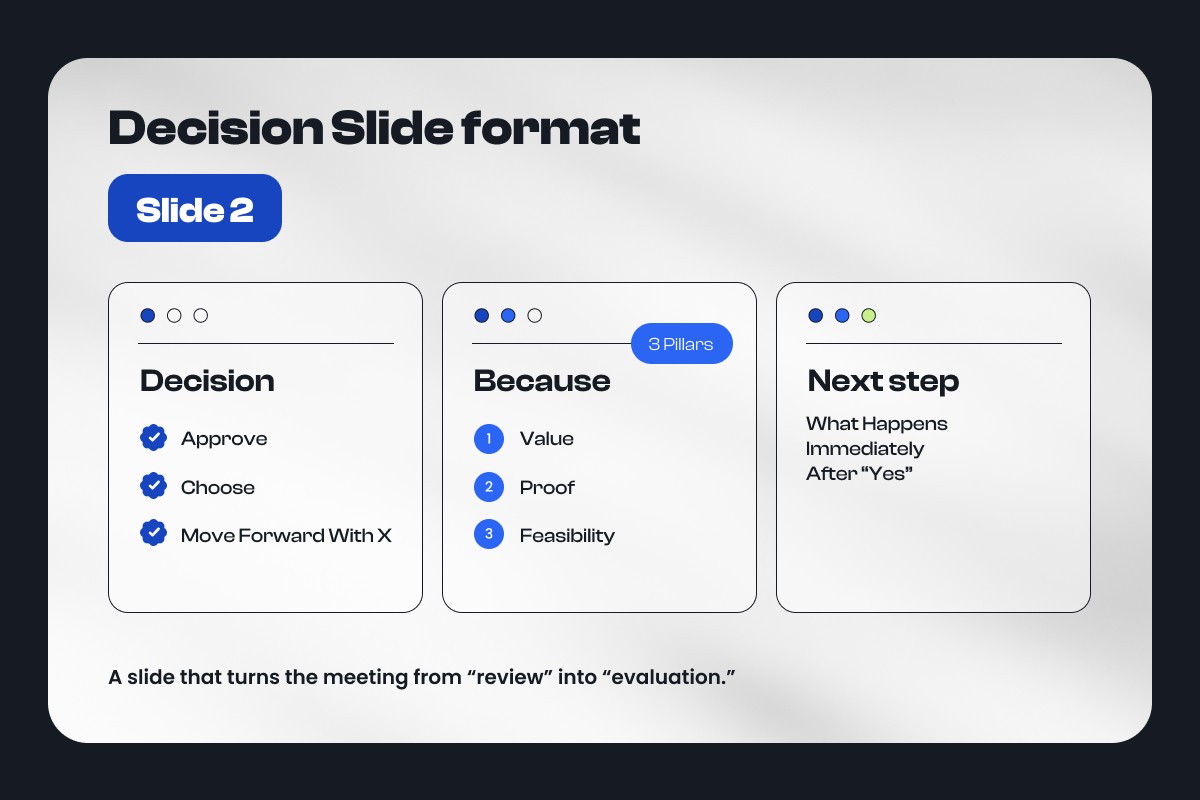
The fix is to introduce a Decision Slide, and make your ask visible early.
Decision Slide format (Slide 2):
Decision: Approve / Choose / Move forward with X Because: 3 pillars (value, proof, feasibility) Next step: What happens immediately after "yes"
This turns the meeting from "review" into "evaluation." Everyone in the room knows why they're there and what a successful outcome looks like.
Bullet Points Are Claims Without Proof
Most bullet lists are assertions. "Seamless integration." "Best-in-class security." "Fast onboarding." Three phrases that mean nothing to a buyer who has heard them from every vendor in your category.
Claims don't build confidence. Evidence does. The buyer doesn't need more adjectives — they need something they can repeat internally: a number, a mechanism, a constraint, a credible example. Without that, your deck becomes a brochure. And brochure-decks get compared on price.
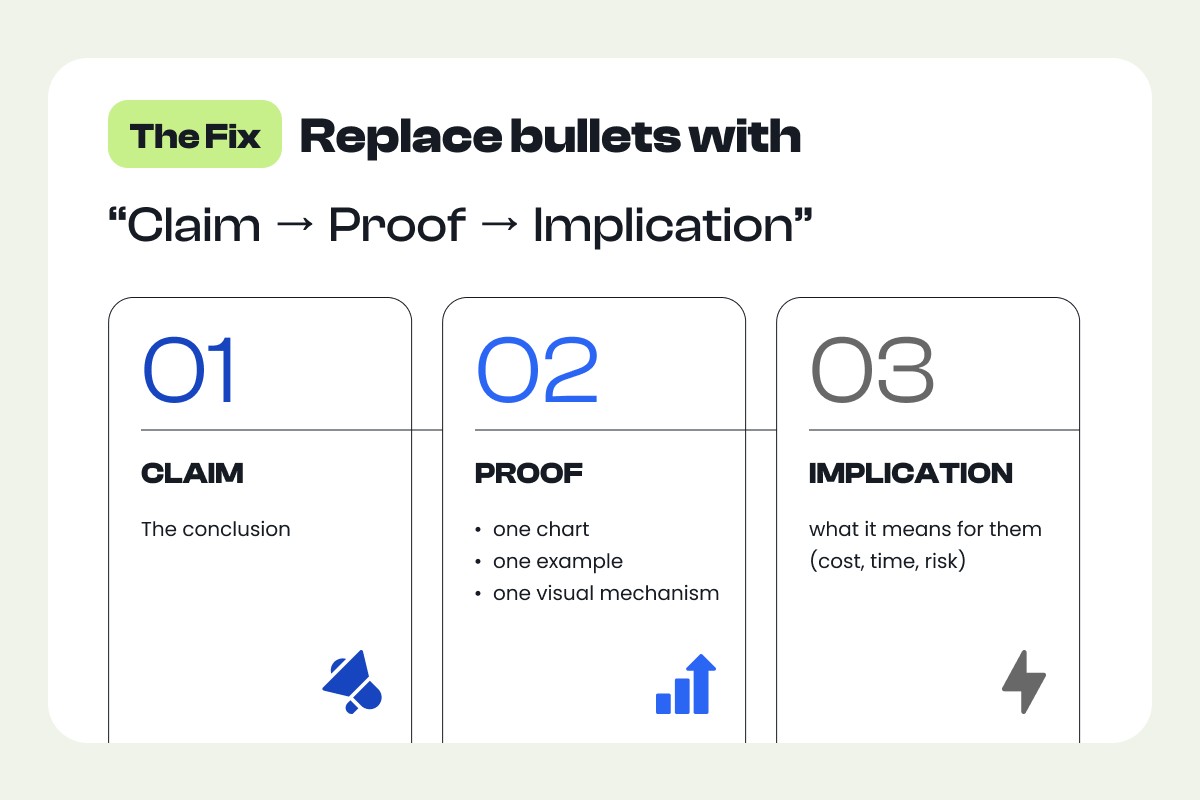
The replacement is a simple structure: Claim → Proof → Implication.
For any slide that currently has bullets, rewrite it so the headline states the conclusion, the body shows one chart, one example, or one visual mechanism, and the footer tells them what it means for them in terms of cost, time, or risk.
Here's what that looks like in practice:
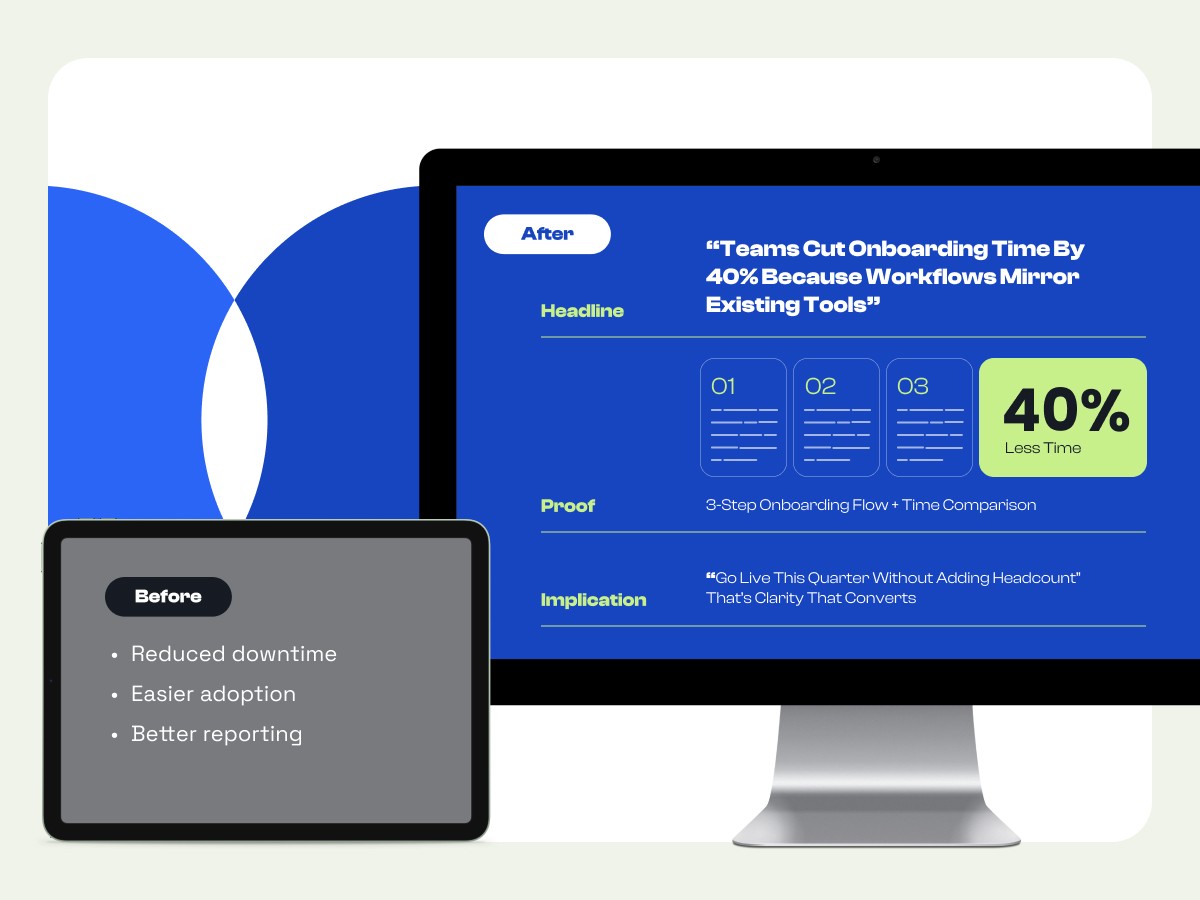
Before:
Reduced downtime
Easier adoption
Better reporting
After:
Headline: "Teams cut onboarding time by 40% because workflows mirror existing tools"
Proof: 3-step onboarding flow + time comparison
Implication: "Go live this quarter without adding headcount"
That's clarity that converts.
Bullet Points Turn Your Deck Into a Document (and Meetings Into Edits)
There's a sneaky secondary effect that bullets create: they invite word feedback.
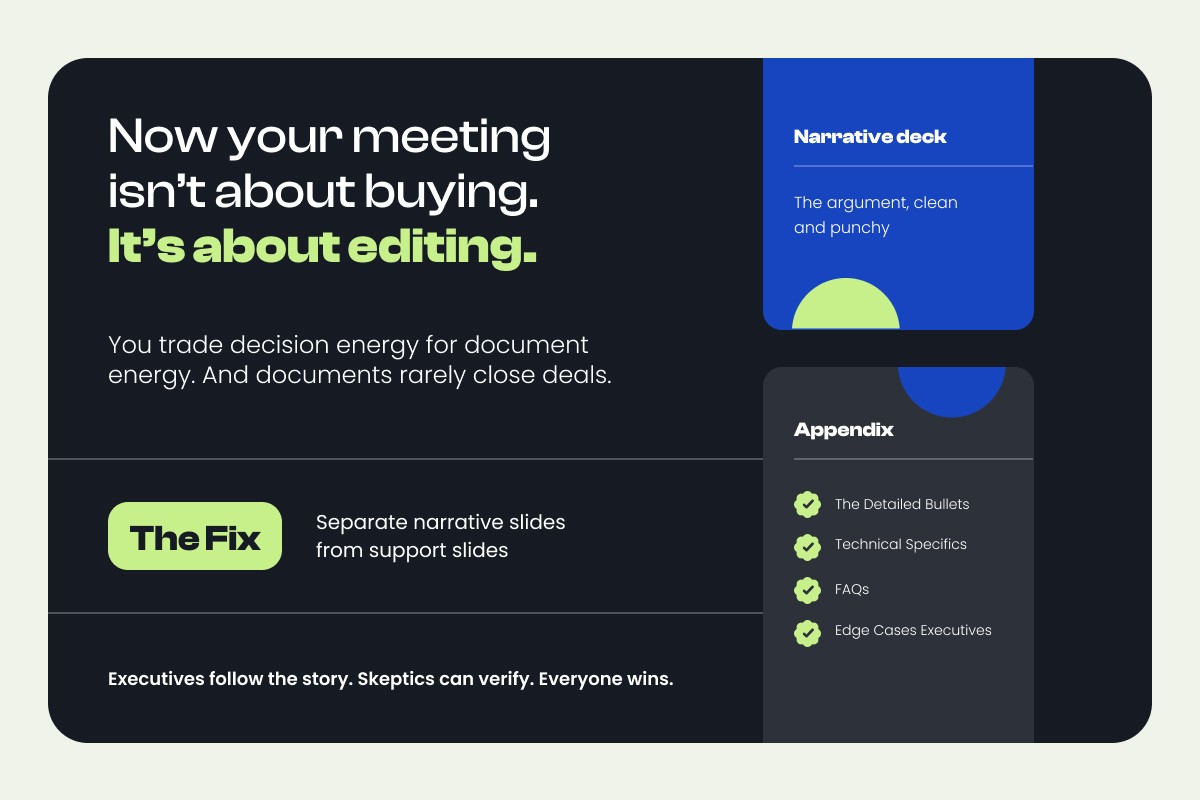
Stakeholders start tweaking phrasing instead of evaluating the recommendation. "Can we reword bullet three?" "Add another point about compliance." "This needs more detail." Now your meeting isn't about buying. It's about editing. You trade decision energy for document energy. And documents rarely close deals.
The fix is structural: separate narrative slides from support slides.
Your narrative deck is the argument, clean and punchy. The appendix holds everything else: the detailed bullets, technical specifics, FAQs, edge cases. Executives follow the story. Skeptics can verify. Everyone wins.
This is the "15-minute narrative + proof appendix" structure that keeps the room moving toward a decision instead of drifting into a content review.
Quick Win: The 10-Minute "Bullet-to-Decision" Rewrite
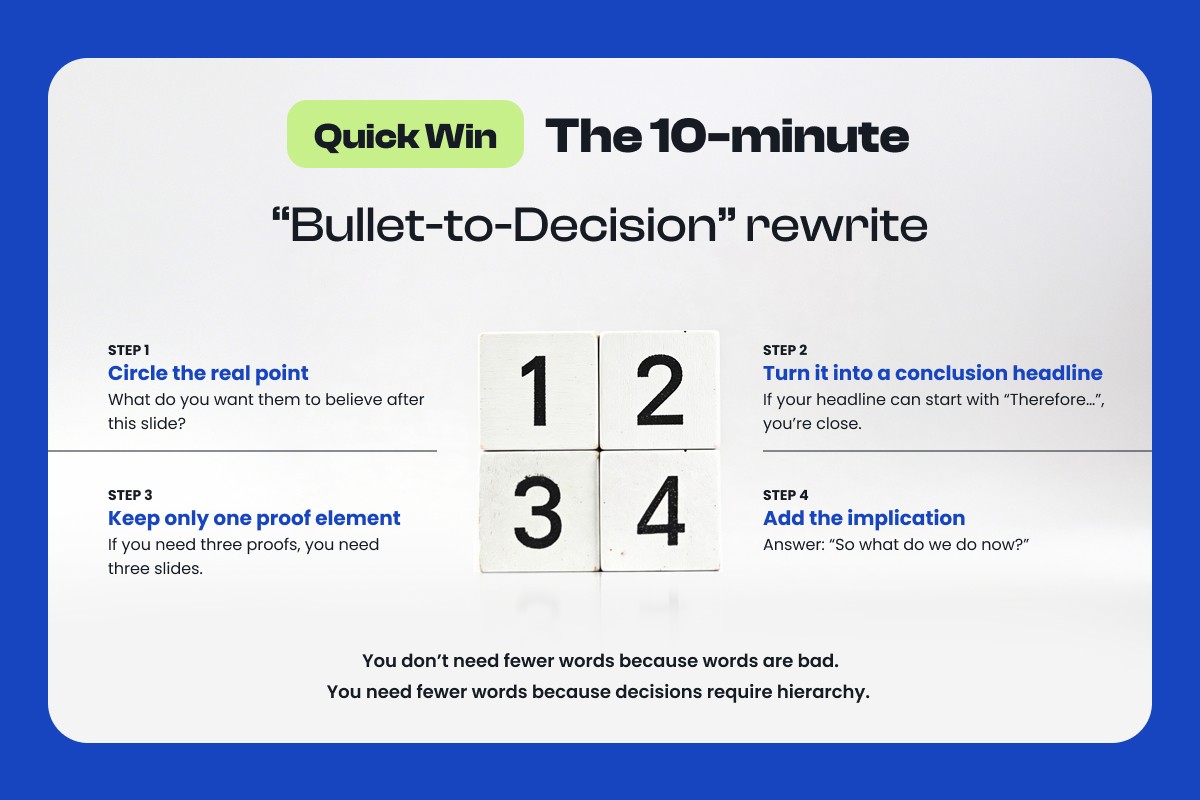
Pick your worst three bullet slides and run this:
Step 1: Circle the real point What do you want them to believe after this slide?
Step 2: Turn it into a conclusion headline If your headline can start with "Therefore...", you're close.
Step 3: Keep only one proof element If you need three proofs, you need three slides.
Step 4: Add the implication Answer: "So what do we do now?"
You don't need fewer words because words are bad. You need fewer words because decisions require hierarchy.
Conclusion
Bullet points aren't costing you money because they're ugly. They're costing you money because they pull attention away from your narrative, hide the decision, replace proof with claims, and slow meetings into review mode.
If your deck is meant to close, it has to behave like a decision tool — not a list of talking points.
Use our Deck Audit Checklist to find the three slides most likely to be stalling your deals, or book a Deck Review and we'll show you exactly where the revenue leaks are.