Presentations
PowerPoint Presentations That Speak for Themselves
•
7 Minutes
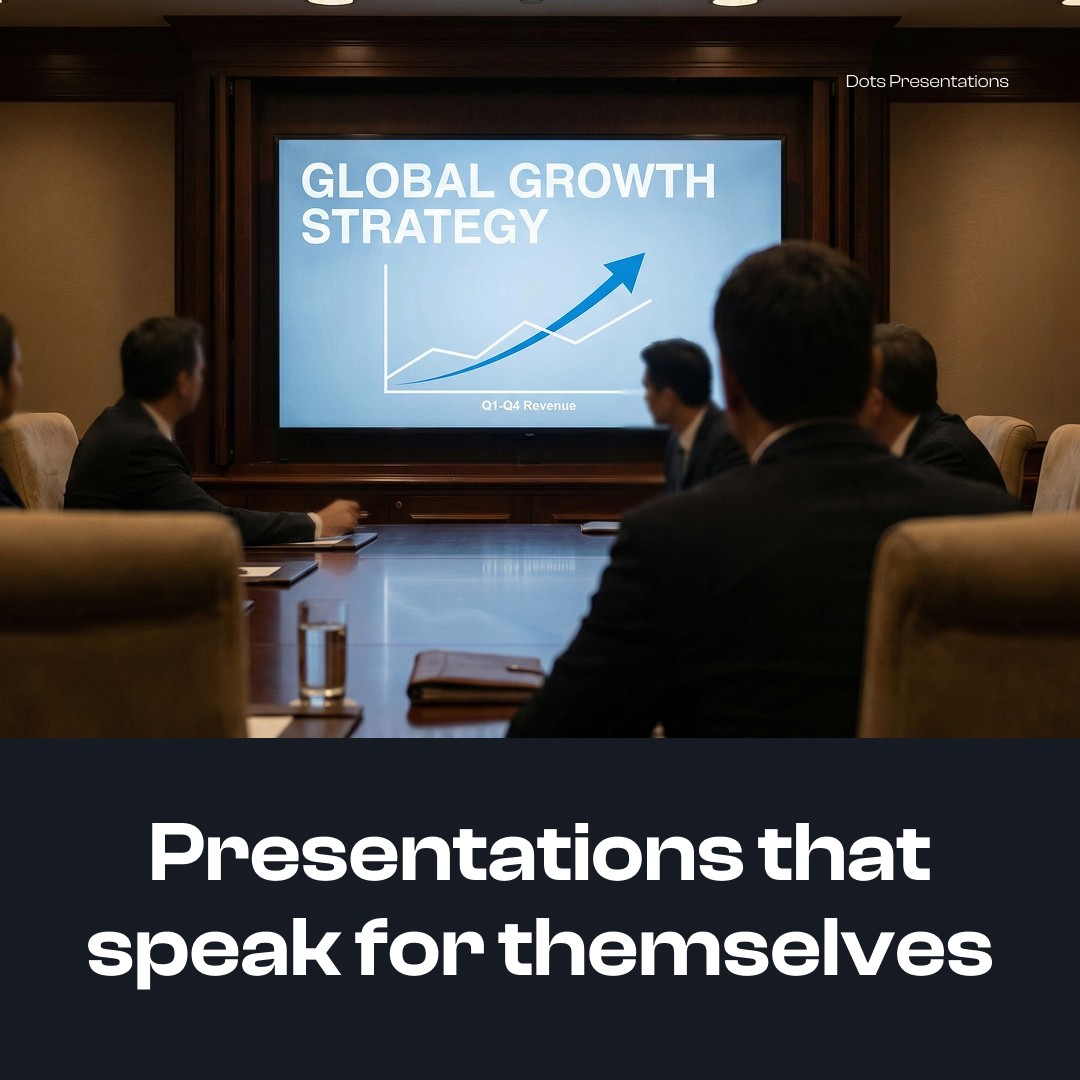
If your slides need you to explain them, they're not doing their job.
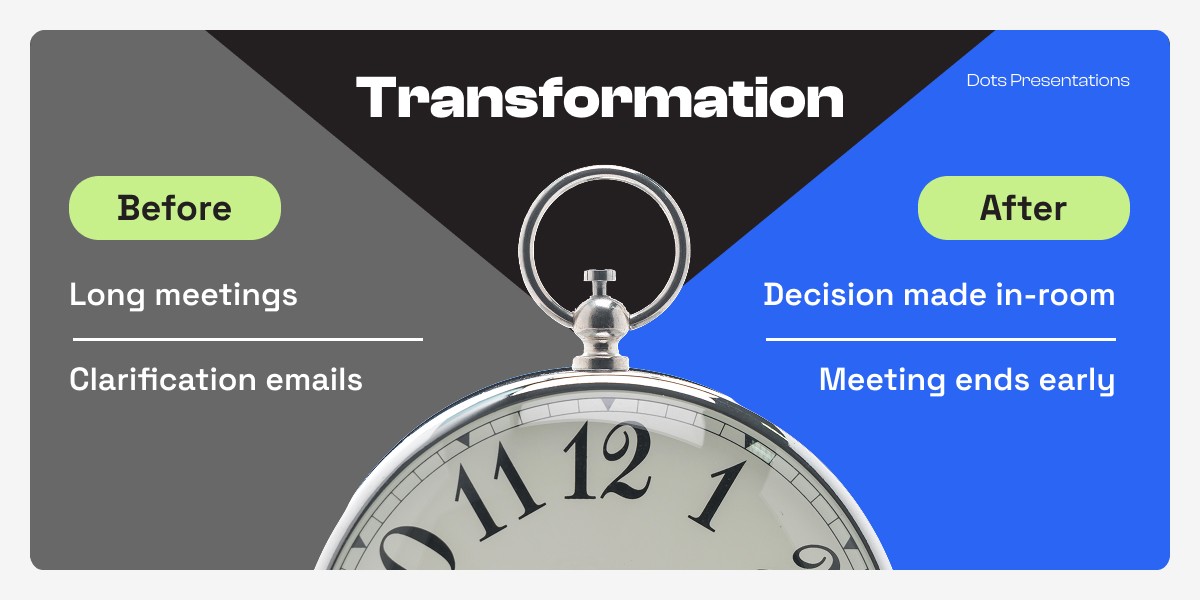
Because in the real world, decks rarely live in the room. They get forwarded. Skimmed. Screenshot. Dropped into Slack. Reviewed on a phone between meetings. Presented by someone who isn't you.
That's where deals stall and decisions slow down. Not because your idea is weak, but because the deck can't carry the meaning without you holding it up.
This guide shows how to build PowerPoint presentations that speak for themselves: clear, decision-driven slides that survive the skim and still convert.
The Real Cost of a Deck That Can't Speak
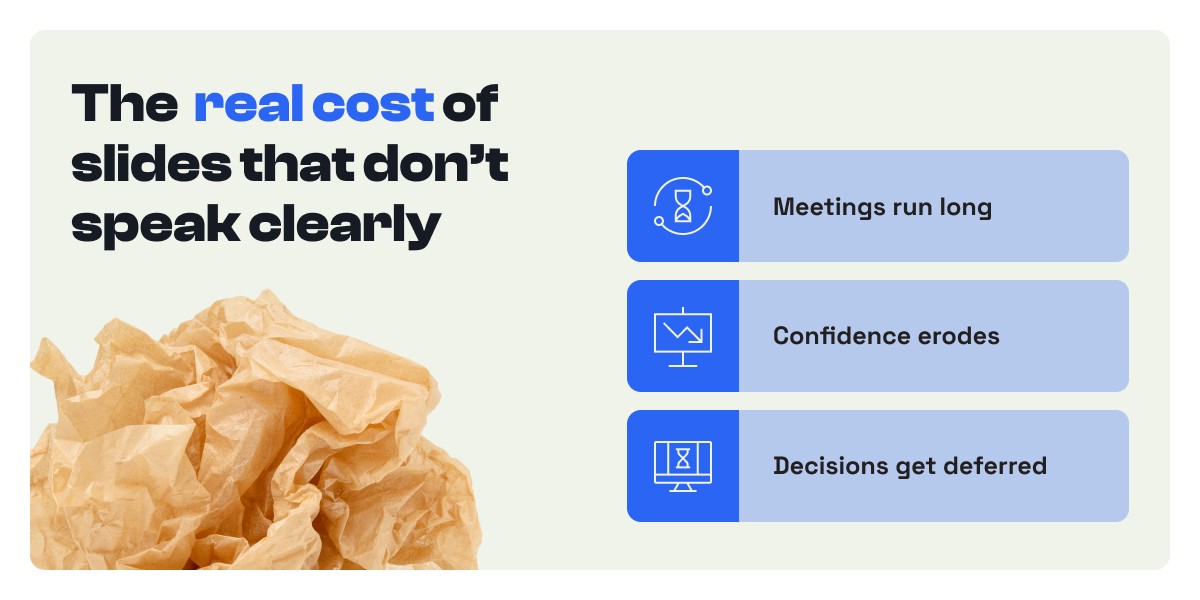
When a presentation relies on the presenter to make it make sense, three things happen, and none of them are good.
Your message fractures in handoffs. A buyer shares the deck internally. A VP opens it cold. If the story only exists in your narration, your case collapses into "a bunch of slides" the moment you leave the room.
Your audience does extra work. Executives don't study decks. They scan for meaning. When that meaning is unclear, they default to the safest option: delay.
Your credibility gets silently taxed. Messy logic, unclear takeaways, and dense slides don't read as thorough. They read as uncertain.
This isn't a design problem. It's a decision-path problem.
A Self-Speaking Deck Starts with a Decision, Not a Topic
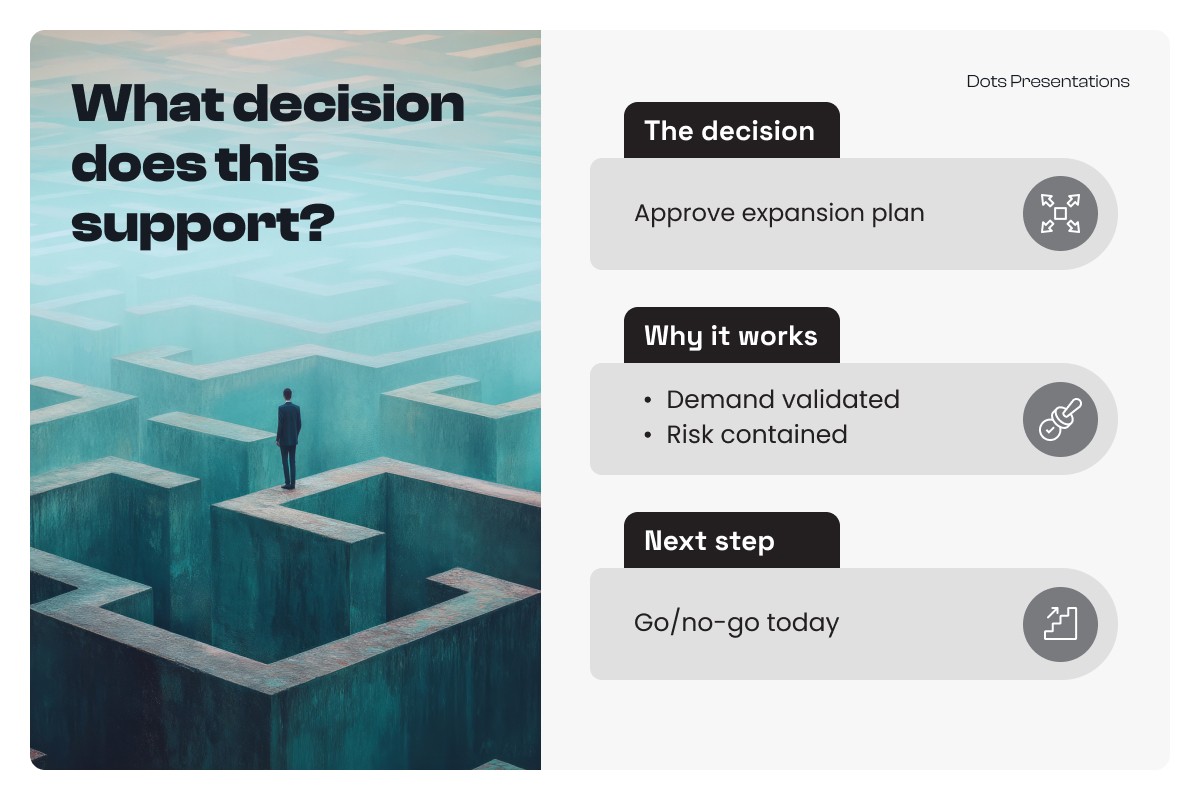
Most decks open with "Overview," "Agenda," or "Company Background." The audience's actual first question is: what are we deciding, and why now?
Answering that question on slide two changes everything. The format is simple:
The Decision (one line)
The Stakes (one line: what happens if we don't)
The 3 Pillars of Proof (three short bullets)
Here's the difference in practice:
"Approve the Q1 expansion into two regions to capture $1.8M pipeline already in motion." That's a decision headline. It tells someone exactly what's being asked.
"Market Expansion Plan." That's a topic. It tells someone what folder the deck belongs in.
When the decision is explicit from the start, the presentation becomes a guided evaluation instead of a document dump.
Conclusion Headlines Make Meaning Instant
A topic headline labels content. A conclusion headline delivers meaning. These are not the same thing, and the gap between them is where most decks lose their audience.
"Customer Results" is a topic. Someone still has to interpret the slide. "Retention improved 14% after onboarding changes" is a conclusion. The slide speaks the moment it appears.
The rule is simple: every slide headline should answer "so what?" Build it as outcome plus driver, with an optional implication. "Win rate rose 9% because the offer became easier to compare." Your audience shouldn't have to work out what they're looking at. They should recognize it in two seconds.
The Meaning Layer: What Makes a Slide Survive the Skim
Every self-speaking slide has three layers working together.
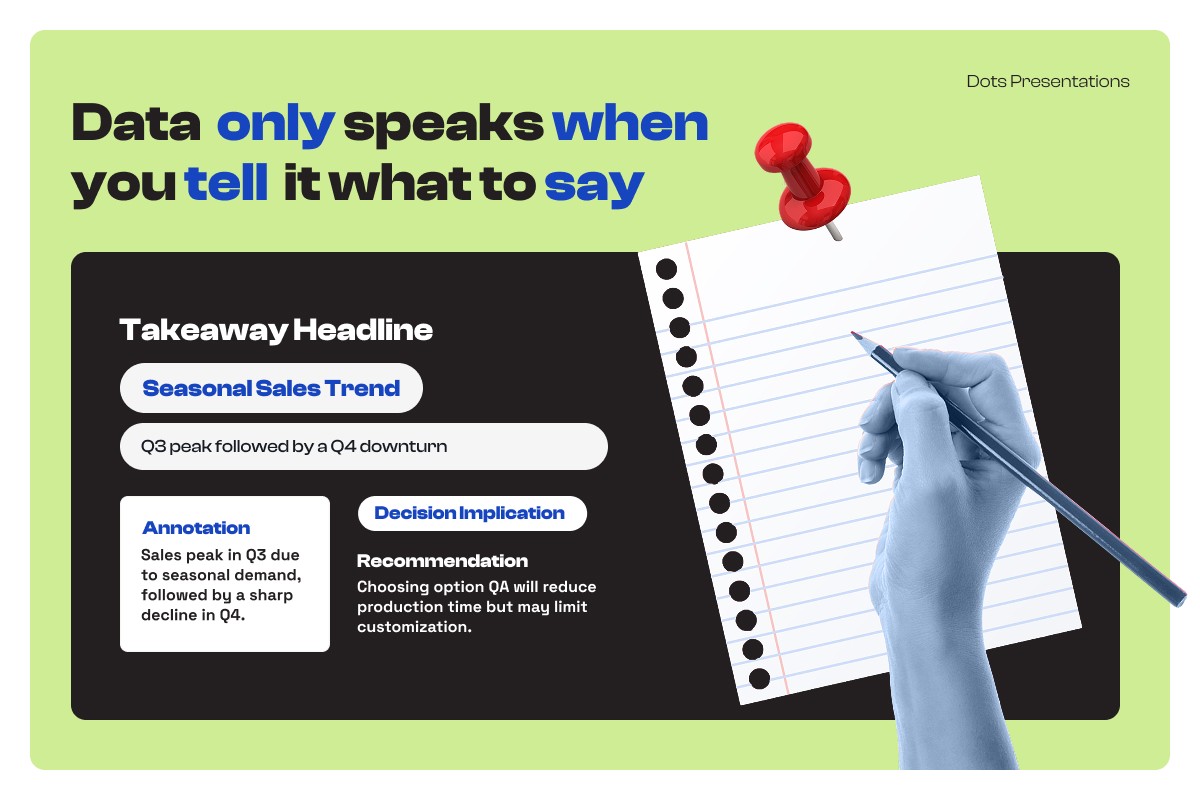
The message (headline) states what's true. The evidence (visual) shows why it's true. The meaning (interpretation) explains what it means for the decision being made.
Most decks stop at evidence. They show charts and trust that the audience will interpret them correctly. They usually don't.
Adding the meaning layer doesn't require much: a short callout ("Driven by Segment B renewals, not discounting"), a comparison (+12% vs. plan), or an implication note ("Recommendation: replicate in Segment C in Q1"). Any of these works. The point is to supply the interpretation before the audience supplies their own assumptions.
If you don't add meaning, they will. And they won't always get it right.
One Slide = One Job
You've seen the slide. Headline, paragraph, chart, bullets, and a tiny logo in the corner, all competing for attention on the same screen.
That slide doesn't speak. It mumbles.
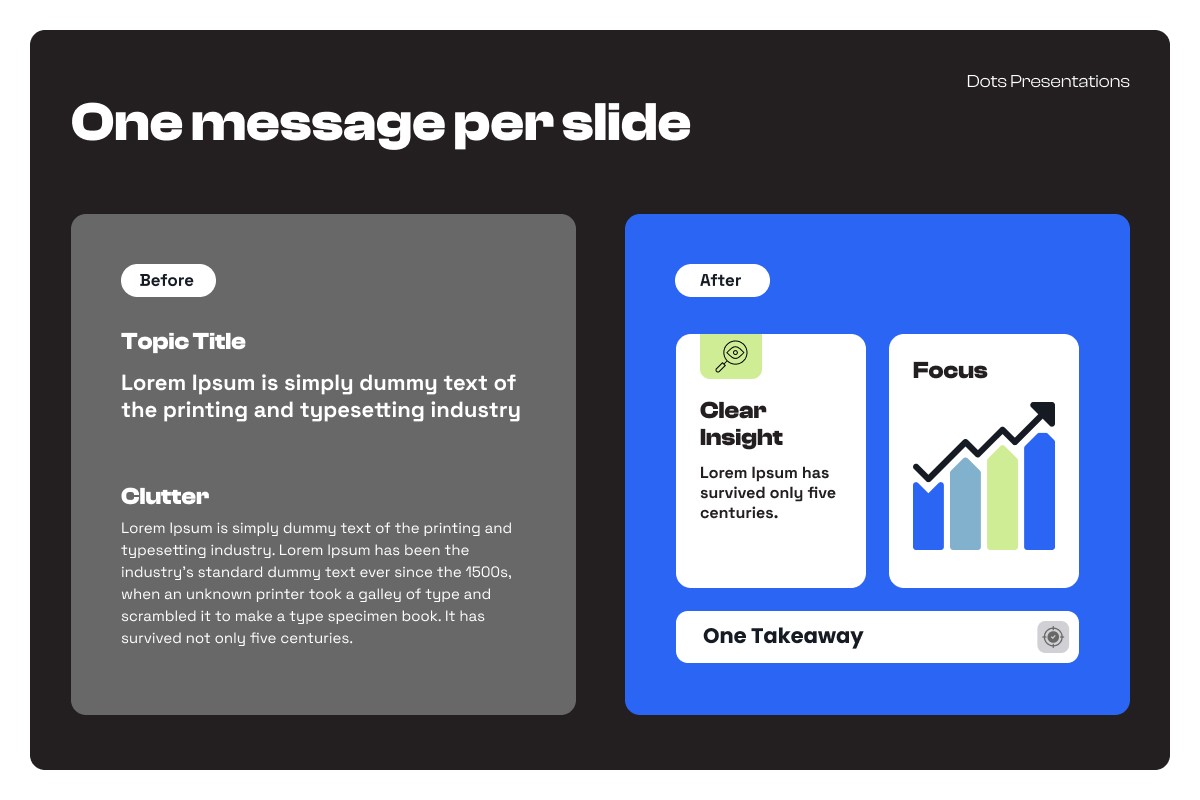
The constraint is this: one slide should do one job. Make a claim. Show proof. Trigger a question. Ask for a decision. Confirm a plan. Any of these is a job. Two of them on the same slide is a problem.
If you can't explain a slide in one sentence, it's trying to do too much. Split it. The deck gets longer by one slide and clearer by a lot.
Ask, Answer, Next: The Decision-Engine Structure
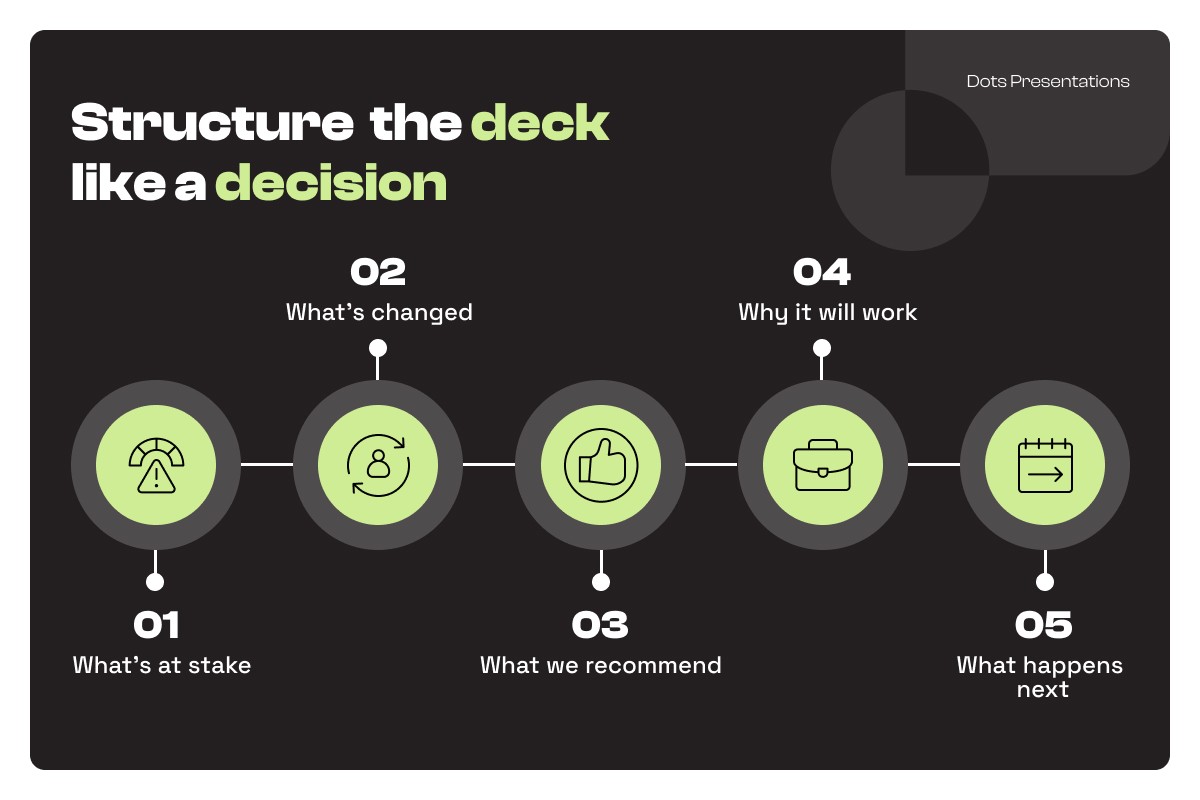
A presentation that speaks for itself follows a predictable rhythm. Every section asks a question, delivers an answer, and sets up the next question. Rinse and repeat until there's nothing left to interpret.
The structure that works across sales, leadership, and strategy:
The decision and stakes
The tension (what changed or why now)
The insight (what we learned)
The recommendation (what to do)
The proof (why it will work)
The plan (how it happens)
The next step (what you need from them)
This is how you stop getting "great presentation" feedback and start getting approvals.
The 10-Minute Self-Speaking Slide Checklist
Pick the most important slide in your deck. The one that has to land. Run it through these six questions:
Headline: Is it a conclusion, not a topic? Decision link: Does it clearly connect to the ask being made in this deck? Evidence: Is there one primary proof element, not five competing ones? Meaning layer: Did you annotate what the evidence means for the decision? Skim test: Can someone understand it in five seconds without context? Handoff test: Would it make sense if forwarded without you in the room?
Do this for five slides and the deck will feel like a different company made it.
Conclusion
PowerPoint presentations that speak for themselves aren't the ones with more text. They're the ones with more clarity.
When your slides carry meaning without narration, you reduce friction in every handoff: internal approvals, buyer committees, investor follow-ups. That's how presentations stop just presenting and start actually closing.
Use our Deck Audit Checklist to identify where your current deck is losing meaning, or book a Deck Review if you want an expert diagnosis on your highest-stakes presentation.