


" width="512px"><path d="M 0 512 L 0 0 L 512 0 L 512 512 Z" fill="transparent" height="512px" id="HHnx91DVW" width="512px"/><path d="M 256 512 C 397.385 512 512 397.385 512 256 C 512 114.615 397.385 0 256 0 C 114.615 0 0 114.615 0 256 C 0 397.385 114.615 512 256 512 Z" fill="rgb(240, 240, 240)" height="511.99997656200003px" id="MyeiA3WkR" width="512px"/><path d="M 0 66.783 L 267.13 66.783 C 267.13 43.677 264.05 21.293 258.311 0 L 0 0 Z" fill="rgb(216, 0, 39)" height="66.78299999999999px" id="p5ajykX4W" transform="translate(244.87 189.217)" width="267.13px"/><path d="M 0 66.783 L 229.556 66.783 C 213.885 41.211 193.848 18.608 170.486 0 L 0 0 Z" fill="rgb(216, 0, 39)" height="66.78309999999999px" id="qhOWPXACW" transform="translate(244.87 55.652)" width="229.55599999999998px"/><path d="M 159.356 55.652 C 219.605 55.652 274.982 34.828 318.712 0 L 0 0 C 43.73 34.828 99.107 55.652 159.356 55.652 Z" fill="rgb(216, 0, 39)" height="55.652000000000044px" id="k_cEzrRIO" transform="translate(96.644 456.348)" width="318.712px"/><path d="M 28.755 66.783 L 465.607 66.783 C 478.188 46.254 487.945 23.814 494.362 0 L 0 0 C 6.417 23.814 16.174 46.254 28.755 66.783 Z" fill="rgb(216, 0, 39)" height="66.78300000000002px" id="M59r70DYA" transform="translate(8.819 322.782)" width="494.36215px"/><path d="M 118.584 39.978 L 141.913 39.978 L 120.213 55.743 L 128.502 81.252 L 106.803 65.487 L 85.104 81.252 L 92.264 59.215 C 73.158 75.13 56.412 93.776 42.612 114.552 L 50.087 114.552 L 36.274 124.587 C 34.122 128.177 32.058 131.824 30.08 135.525 L 36.676 155.826 L 24.37 146.885 C 21.311 153.366 18.513 159.993 15.998 166.758 L 23.265 189.126 L 50.087 189.126 L 28.387 204.891 L 36.676 230.4 L 14.977 214.635 L 1.979 224.079 C 0.678 234.537 0 245.189 0 256 L 256 256 C 256 114.616 256 97.948 256 0 C 205.428 0 158.285 14.67 118.584 39.978 Z M 128.502 230.4 L 106.803 214.635 L 85.104 230.4 L 93.393 204.891 L 71.693 189.126 L 98.515 189.126 L 106.803 163.617 L 115.091 189.126 L 141.913 189.126 L 120.213 204.891 Z M 120.213 130.317 L 128.502 155.826 L 106.803 140.061 L 85.104 155.826 L 93.393 130.317 L 71.693 114.552 L 98.515 114.552 L 106.803 89.043 L 115.091 114.552 L 141.913 114.552 Z M 220.328 230.4 L 198.629 214.635 L 176.93 230.4 L 185.219 204.891 L 163.519 189.126 L 190.341 189.126 L 198.629 163.617 L 206.917 189.126 L 233.739 189.126 L 212.039 204.891 Z M 212.039 130.317 L 220.328 155.826 L 198.629 140.061 L 176.93 155.826 L 185.219 130.317 L 163.519 114.552 L 190.341 114.552 L 198.629 89.043 L 206.917 114.552 L 233.739 114.552 Z M 212.039 55.743 L 220.328 81.252 L 198.629 65.487 L 176.93 81.252 L 185.219 55.743 L 163.519 39.978 L 190.341 39.978 L 198.629 14.469 L 206.917 39.978 L 233.739 39.978 Z" fill="rgb(0, 82, 180)" height="255.999976562px" id="tWAme9xd0" transform="translate(0 0)" width="256px"/></g></svg>)
" width="512px"><path d="M 0 512 L 0 0 L 512 0 L 512 512 Z" fill="transparent" height="512px" id="rnuhtNkEb" width="512px"/><path d="M 0 22.26 C 36.171 119.744 130.006 189.217 240.077 189.217 C 350.148 189.217 443.983 119.744 480.154 22.26 L 240.077 0 Z" fill="rgb(255, 218, 68)" height="189.21699999999998px" id="n5xAbp2FL" transform="translate(15.923 322.783)" width="480.15409999999997px"/><path d="M 240.077 0 C 130.006 0 36.171 69.472 0 166.957 L 240.077 189.217 L 480.154 166.956 C 443.983 69.472 350.148 0 240.077 0 Z" fill="rgb(0, 0, 0)" height="189.21702343799998px" id="unkwLWNXG" transform="translate(15.923 0)" width="480.15409999999997px"/><path d="M 15.923 0 C 5.633 27.733 0 57.729 0 89.043 C 0 120.357 5.633 150.353 15.923 178.086 L 496.078 178.086 C 506.368 150.353 512 120.357 512 89.043 C 512 57.729 506.368 27.733 496.077 0 Z" fill="rgb(216, 0, 39)" height="178.08599999999998px" id="fTDkGALX7" transform="translate(0 166.957)" width="512px"/></g></svg>)


" width="512px"><path d="M 0 512 L 0 0 L 512 0 L 512 512 Z" fill="transparent" height="512px" id="KExxfKMG9" width="512px"/><path d="M 256 512 C 397.385 512 512 397.385 512 256 C 512 114.615 397.385 0 256 0 C 114.615 0 0 114.615 0 256 C 0 397.385 114.615 512 256 512 Z" fill="rgb(240, 240, 240)" height="511.99997656200003px" id="XZBXQQqDl" width="512px"/><path d="M 0 0 L 22.261 151.036 C 49.993 161.327 79.99 166.957 111.304 166.957 C 221.374 166.957 315.21 97.485 351.38 0 Z" fill="rgb(0, 0, 0)" height="166.95700000000005px" id="LP_qT1_L7" transform="translate(144.696 345.043)" width="351.38px"/><path d="M 0 166.957 L 22.261 15.921 C 49.993 5.63 79.99 0 111.304 0 C 221.374 0 315.21 69.472 351.38 166.957 Z" fill="rgb(109, 165, 68)" height="166.956976562px" id="OWBjWu9M2" transform="translate(144.696 0)" width="351.38px"/><path d="M 0 240.077 C 0 350.148 69.473 443.983 166.957 480.154 L 166.957 0 C 69.473 36.171 0 130.006 0 240.077 Z" fill="rgb(162, 0, 29)" height="480.1539px" id="bniG8wWI8" transform="translate(0 15.923)" width="166.957px"/></g></svg>)






Presentation Templates
We design presentation template systems that keep your brand consistent, your team fast, and your slides polished. From PowerPoint to Google Slides to Keynote, built for how your team actually works.
What makes a Dots template different
We build industry-specific presentation systems with strategic design and technical excellence not generic templates that work for everyone and no one.
Instantly on-brand
Your logo, brand colors, typography, and visual tone built into every layout. From title slides to data charts, everything reflects your identity. Your team can create presentations confidently, knowing the brand is always right.
Made for speed
No more staring at blank slides or fighting with formatting. Intuitive layouts, flexible content zones, and smart placeholders make it easy to plug in your ideas. Polished presentations in minutes, not hours.
Built to persuade
Every slide layout is designed with purpose. Proven storytelling techniques, clear visual hierarchy, and layouts that guide attention and lead to action. Perfect for investor pitches, team training, or closing a sale.
Ready to scale
From solo consultants to enterprise teams, our templates grow with you. Every element designed for easy duplication and adaptation, so your entire organization delivers unified presentations.
What's included?
Other solutions

Rebuilding common slides from scratch every time
Inconsistent fonts, colors, and spacing across decks
Hunting for icons and graphics that kind-of match your brand
Excel charts pasted in with wrong colors and cluttered labels
80MB presentation files that crash during meetings
Figuring out template best practices through trial and error
Maintaining separate versions for PowerPoint, Google Slides, and Keynote
Dots Presentations

75 to 200+ slide layouts covering every scenario
Master slides and theme elements for consistent formatting
Custom icon library matched to your brand
Chart and diagram templates pre-styled with your colors
Optimized file size for smooth performance
User guide with tips for getting the most from your template
Multiple formats: PowerPoint, Google Slides, Keynote
Why teams invest in custom templates
Hours saved per week
Templates eliminate formatting time, letting your team focus on content.
More consistent branding
Companies with standardized templates report stronger brand recognition.
Lower design costs
Empower your team to create polished decks in-house.
Made for how you work
Save time
Create beautiful, brand-aligned slides in minutes. Your team focuses on the message, not the formatting.

Look professional
Every slide is designed to persuade. Data becomes visual stories, ideas gain traction.

Stay consistent
Theme elements, layout masters, and purpose-built assets ensure on-brand presentations effortlessly.

Control costs
Eliminate the need for constant freelance hires. Empower your team to create polished decks in-house.
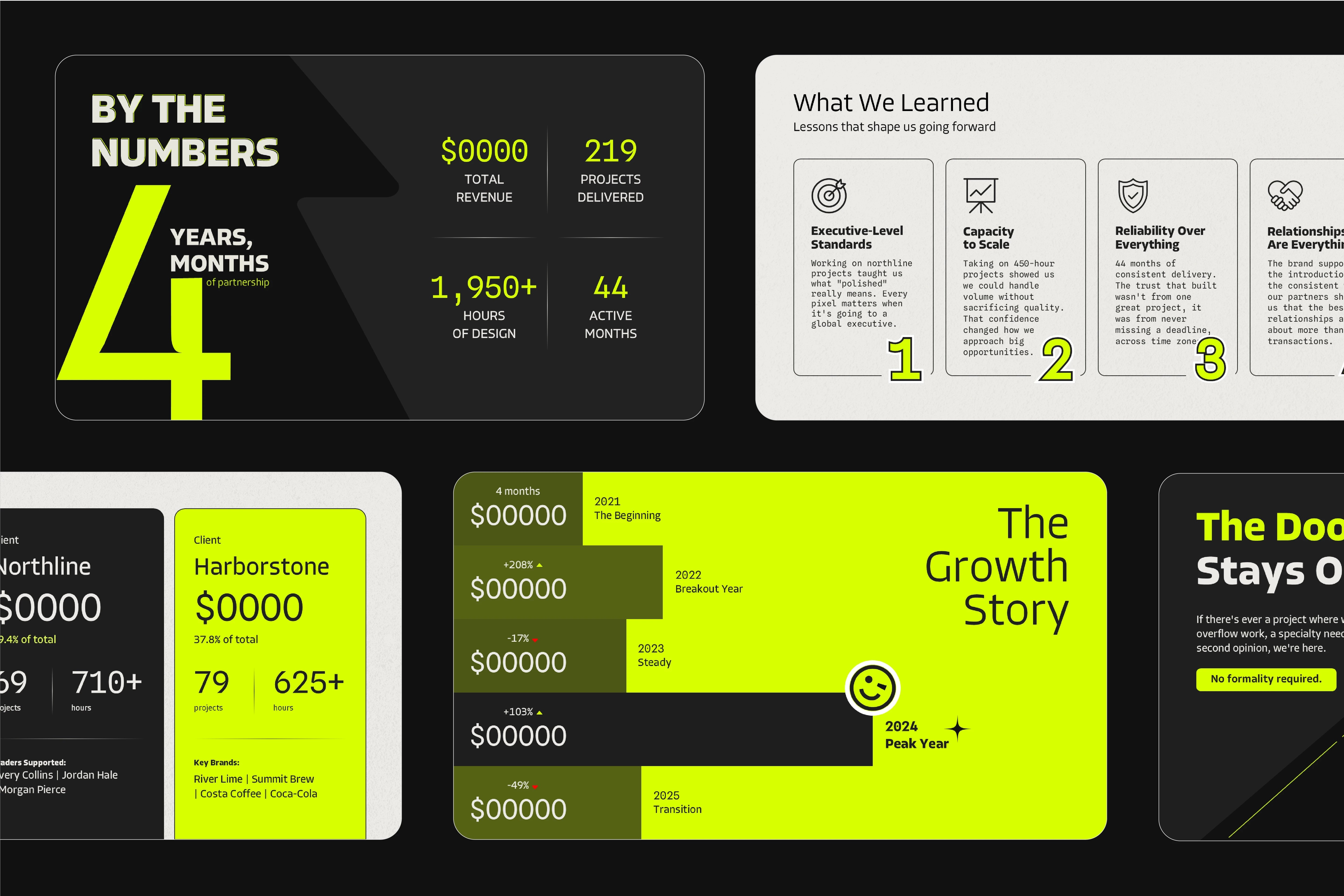
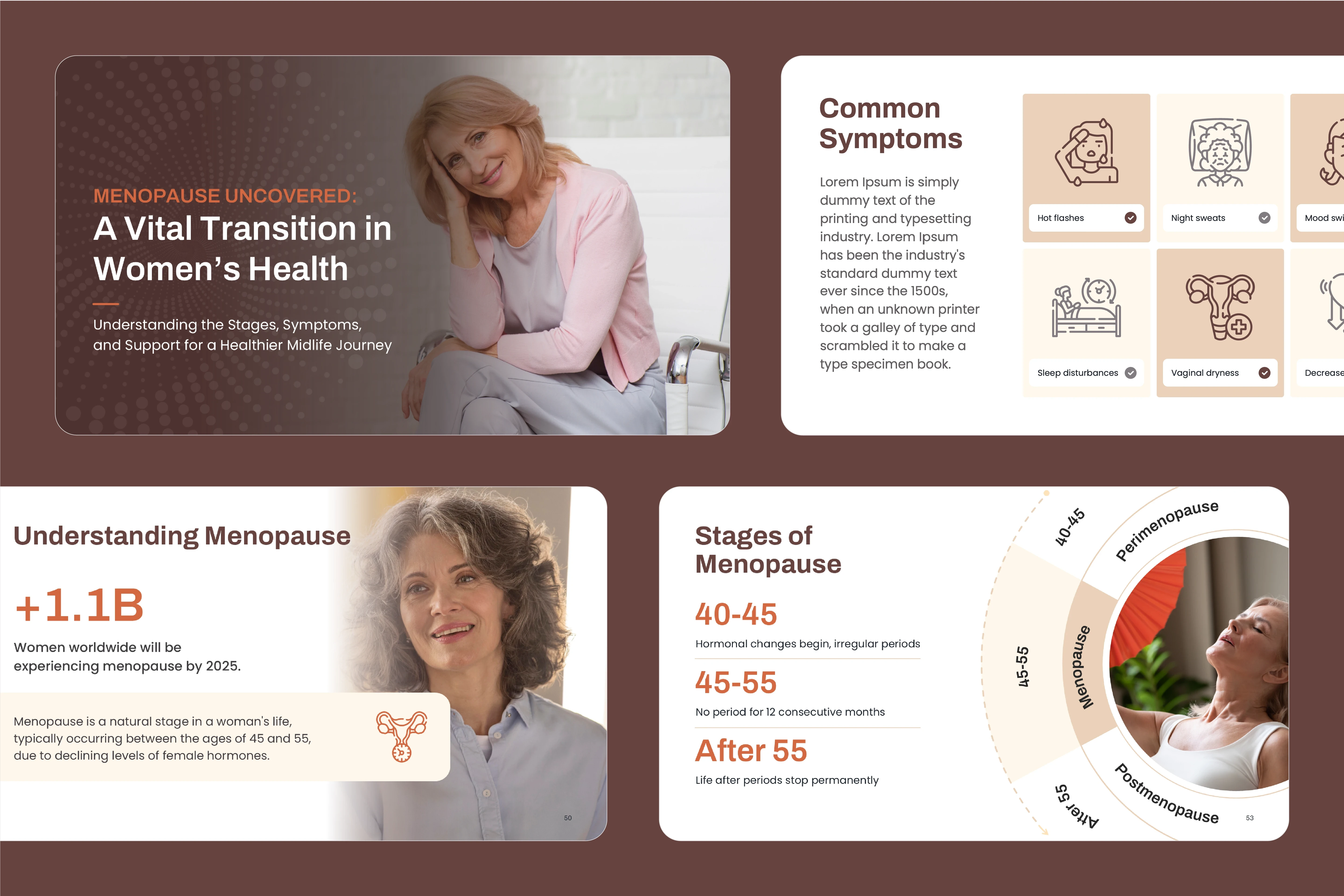
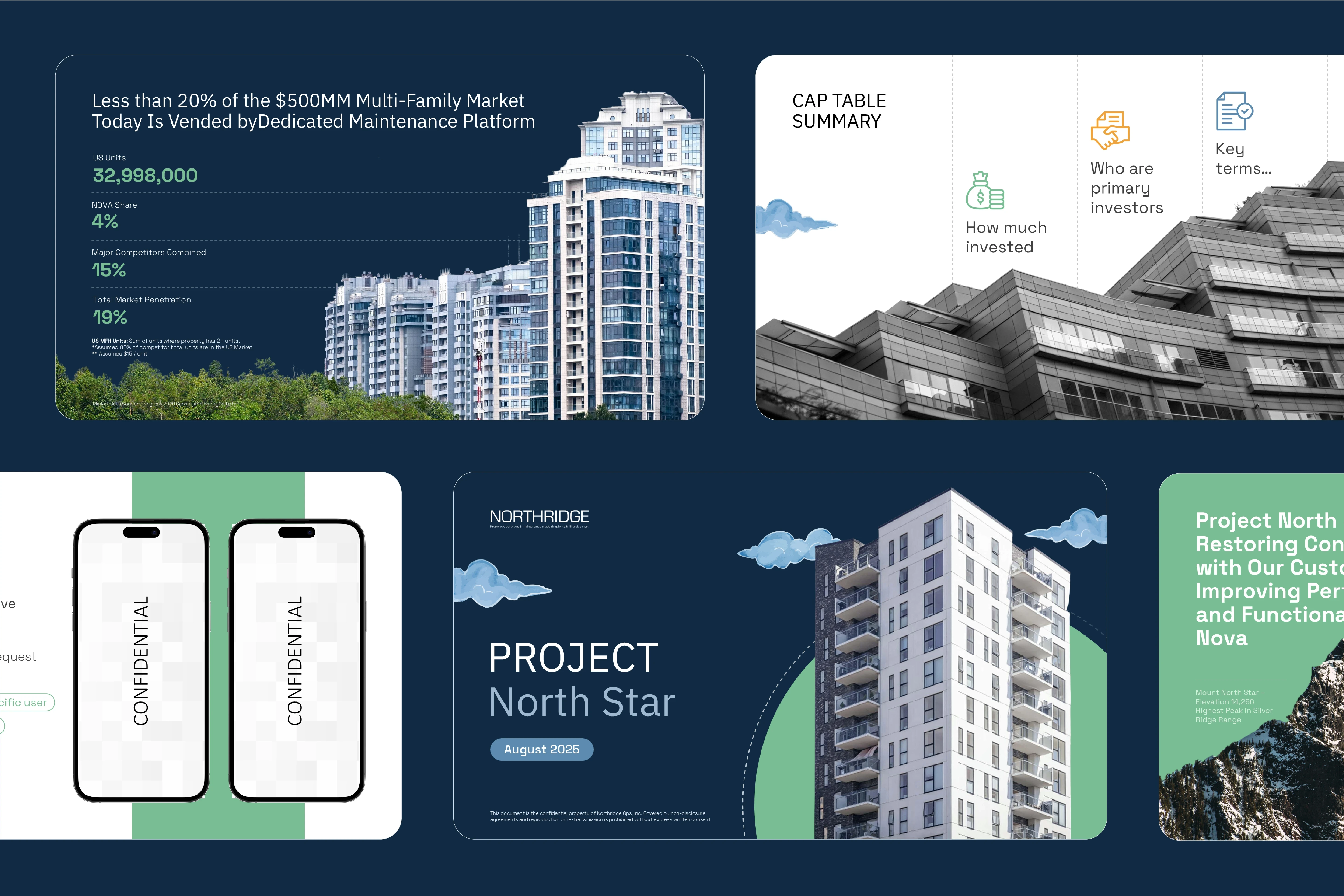
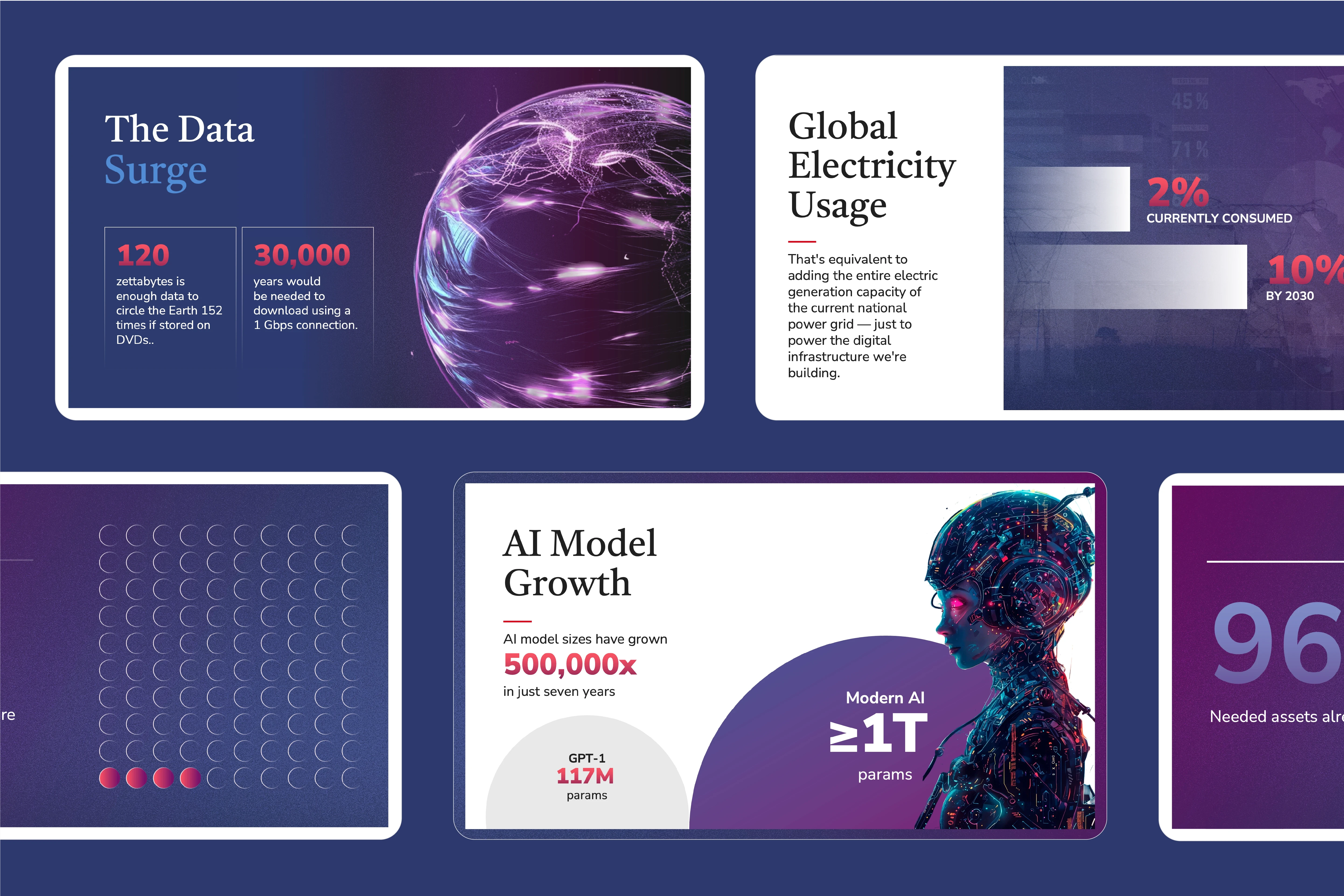
Templates we've built
We've designed template systems for companies across industries. Each one solves real presentation challenges while reflecting the brand's unique identity.
Results that speak for themselves
1,300+
Projects
170+
Clients
100%
Satisfied
How we build templates that actually get used
A template is only valuable if your team actually uses it. See how we approach template design to ensure high adoption and real productivity gains.
How we work
Hiring us shouldn't feel like a project of its own.
Our process is designed to move quickly, stay organized, and keep you in the loop without the back-and-forth spiral.
Discovery & Strategy
We learn how your team presents: audiences, scenarios, and pain points. We define the number of layouts, level of flexibility, and whether multiple Slide Masters are needed.
Look, Feel & Direction
We create the visual direction based on your brand guidelines or help define them if needed. Accessibility is baked in from day one.
Design & Build
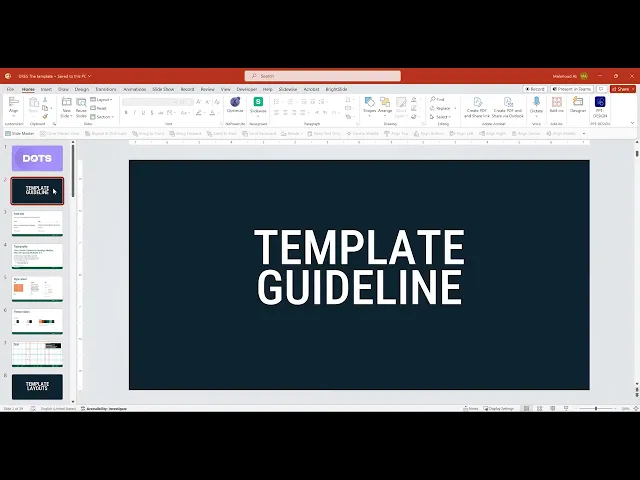
We design and build the template directly in PowerPoint (or Google Slides / Keynote). Layouts are bespoke, fully branded, and organized in the Slide Master, with off-slide tips to guide your team.
Review, Delivery & Enablement
You review, we refine, and once approved, we deliver the final template. Optional walkthroughs or live training ensure smooth adoption.
FAQs
What you should know


What software do you use?
Our presentation designers know the ins and outs of all popular presentation software, including PowerPoint, Google Slides, Prezi, and Keynote. Have something else in mind? Let us know.
Will I be protected by an NDA?
Absolutely. We take the confidentiality of our clients' information very seriously and we will never share it with anyone without their permission.
What do I need before getting started?
For a successful start to our engagement, please provide the following: Content and goals Target audience Brand Guidelines (if available)
How will you know what I like when it comes to design?
To kick off a project, we'll schedule a call to learn about your presentation goals, target audience, and design preferences. We'll then create a design brief that includes a mood board, color palette, typography style guide, timeline, and budget.
What’s the turnaround time for designing a presentation?
Timelines can vary depending on the presentation requirements, complexity, and number of slides. We’ll give you an estimate during your consultation.
What does your pricing look like?
Dots is proud to be one of the most affordable presentation design agencies out there. Pricing is based on factors like complexity, design style, and level of polish. Reach out to get an accurate quote for your project.
Does your team use AI to design?
Some helpful images and design assets are created with AI, but we never use AI to auto-generate slides, layouts, or design concepts. That’s 100% human.
Ready to streamline your presentations?
Let's build a template system that saves your team time and makes everyone look like a pro.