Insights
Types of Presentation Programs: A Practical Guide for Better Slides
•
7 Minutes
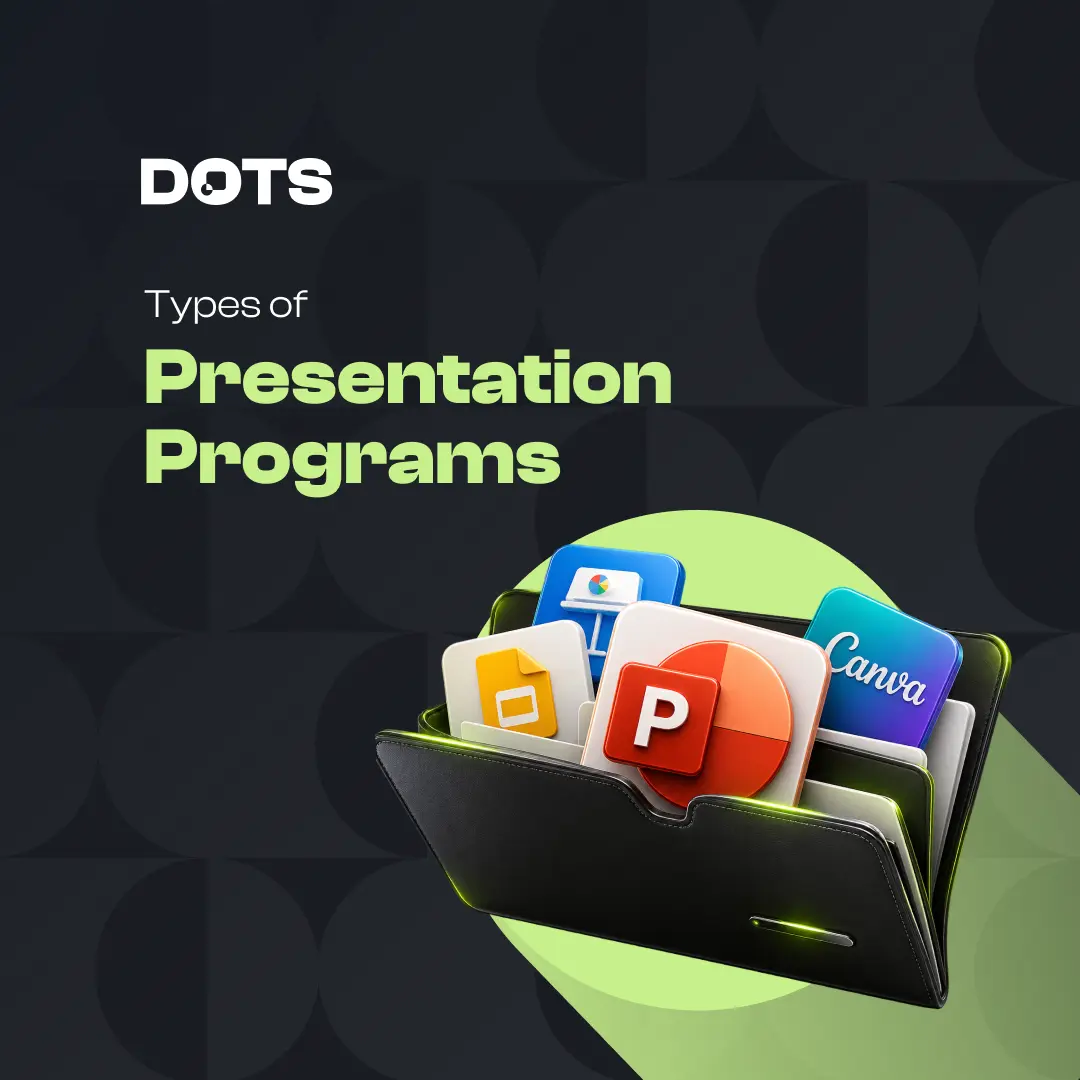
Choosing between the different types of presentation programs can feel overwhelming. Some tools are built for classic slide decks, while others focus on collaboration, storytelling, video, or interactive experiences. The right choice depends on your audience, your message, and how polished the final presentation needs to be.
In this guide, we’ll break down the main types of presentation programs, when to use each one, and how to choose the best fit for professional business communication.
What Are Presentation Programs?
Presentation programs are tools used to create visual communication materials, usually in the form of slides, interactive decks, videos, or web-based presentations.
They help organize ideas into a clear sequence so an audience can follow, understand, and remember the message. Most programs include layouts, text tools, image support, charts, animations, and export options.
However, not all presentation programs are designed for the same purpose. A sales pitch, investor deck, training session, keynote, and internal report may each need a different type of tool.
Main Types of Presentation Programs
The most common types of presentation programs can be grouped by how they help you create and deliver content.
Some are best for traditional slide-based communication. Others are more useful for interactive storytelling, remote collaboration, or multimedia content.
Understanding the difference helps you avoid choosing a tool just because it is familiar. Instead, you can choose based on what your presentation needs to achieve.
1. Slide-Based Presentation Programs
Slide-based tools are the most familiar type of presentation software. They allow users to build a presentation one slide at a time using text, images, shapes, charts, icons, and animations.
Common examples include Microsoft PowerPoint, Apple Keynote, and Google Slides.
These tools are useful for:
Business presentations
Sales decks
Investor pitch decks
Training sessions
Conference talks
Internal reports
Slide-based programs work well when you need structure, control, and a clear start-to-finish flow. They are also widely accepted in corporate environments, which makes them practical for professional use.
The challenge is that slide-based tools can easily lead to cluttered, text-heavy decks if the content is not designed carefully.
2. Cloud-Based Presentation Programs
Cloud-based presentation programs are built for online access and collaboration. Instead of working from a file saved on one computer, teams can edit, comment, and share presentations through a browser.
Google Slides is one of the most common examples, but many modern tools now include cloud-based editing.
These programs are especially useful when multiple people need to contribute to the same deck. They reduce version control issues and make it easier to gather feedback.
Cloud-based tools are helpful for remote teams, agencies, marketing departments, and companies that need quick collaboration.
However, they may offer fewer advanced design features than desktop-based tools. For high-stakes decks, teams often use cloud tools for collaboration and then refine the final design separately.
3. Template-Based Presentation Programs
Template-based tools focus on speed and ease of use. They offer pre-designed layouts, color combinations, icons, and visual structures that users can customize.
These tools are useful for people who need a presentation quickly and do not want to start from a blank slide.
They can help with:
Simple internal updates
Social media presentations
Educational slides
Basic marketing materials
Quick team reports
The advantage is speed. The downside is that many template-based presentations can look generic if the templates are not adapted to the brand or message.
For professional business decks, templates should be treated as a starting point, not the final design solution.
4. Interactive Presentation Programs
Interactive presentation programs are designed to create non-linear experiences. Instead of moving slide by slide in a fixed order, presenters can jump between sections based on audience interest.
These tools are helpful for workshops, sales conversations, product demos, and educational sessions.
Interactive presentations can include clickable menus, embedded media, branching paths, or live audience participation.
This format works well when the presenter needs flexibility. For example, a sales team may want to move directly to the section that matters most to a specific client.
The main risk is complexity. If the structure is not clear, interactive decks can become confusing for both the presenter and the audience.
5. Video-Based Presentation Programs
Video-based presentation tools help turn ideas into motion-led content. These may include animated slides, recorded narration, screen recordings, or short explainer videos.
They are often used for:
Online courses
Product explainers
Social media content
Internal announcements
Asynchronous updates
Webinar recordings
Video-based presentations are useful when the audience will consume the content without a live presenter.
They can make information more engaging, especially when motion, voice, and timing are used well. But they also require more planning because the audience cannot ask questions in real time.
A strong video presentation needs a clear script, concise visuals, and careful pacing.
6. Design-Focused Presentation Programs
Some programs are built less around traditional slides and more around visual design. These tools give users more control over layout, typography, graphics, and brand consistency.
They are useful when the final deck needs to look polished and highly customized.
Design-focused tools are often used for:
Brand presentations
Event decks
Marketing decks
High-end proposals
Thought leadership content
Visual reports
These programs can produce beautiful results, but they may require stronger design skills. They are best used by designers or teams with a clear visual system.
For business-critical presentations, design-focused tools can help create a more premium and memorable experience.
7. AI-Assisted Presentation Programs
AI-assisted presentation programs help generate outlines, draft slide content, suggest layouts, or create visual structures from prompts.
They can save time during the early stages of presentation creation, especially when organizing ideas or building a first draft.
AI tools can be useful for:
Brainstorming slide structures
Summarizing long documents
Creating first-draft decks
Generating talking points
Exploring layout directions
However, AI-generated decks still need human judgment. A presentation is not just a collection of slides. It needs a clear message, audience awareness, hierarchy, and design consistency.
AI can speed up production, but it should not replace strategic thinking or professional design review.
How to Choose the Right Presentation Program
The best tool depends on the purpose of your presentation.
Before choosing a program, ask:
Is this presentation live or self-guided?
Will multiple people edit it?
Does the deck need to follow brand guidelines?
Is the goal to inform, persuade, train, or sell?
Does the final output need to be editable?
Will it be shared as a file, link, PDF, or video?
For example, a quick internal update may only need a cloud-based slide tool. A major investor presentation may need a more polished deck with professional structure, visual hierarchy, and brand alignment.
The tool matters, but the thinking behind the presentation matters more.
Presentation Programs vs. Presentation Design
Choosing software is only one part of creating an effective presentation. The bigger challenge is turning content into a clear, persuasive visual story.
A presentation program gives you the tools. Presentation design gives you the strategy, structure, and visual clarity that make the message work.
That includes:
Strong slide hierarchy
Clear storytelling
Consistent layouts
Better use of visuals
Cleaner data design
Professional brand alignment
Audience-focused messaging
This is why many businesses use familiar tools like PowerPoint or Google Slides, but still work with specialists for presentation design. The software creates the file, but the design determines how well the message lands.
Are There Good Presentation Programs Other Than PowerPoint?
Yes. PowerPoint is widely used, but it is not the only option. Depending on your needs, other tools may be better for collaboration, motion, interactivity, or design flexibility.
For a deeper look at alternatives, you can read our guide to presentation other than powerpoint.
The best choice is not always the newest or most advanced tool. It is the one that supports your message, your workflow, and your audience.
Common Mistakes When Choosing Presentation Software
Many teams choose presentation software based on convenience instead of communication goals.
Common mistakes include:
Choosing a tool before clarifying the message
Using templates without adapting them
Prioritizing animation over clarity
Adding too much text to each slide
Ignoring brand consistency
Using charts without explaining the insight
Building slides for the presenter instead of the audience
A good presentation program should make communication easier, not more complicated.
Final Thoughts on the Types of Presentation Programs
There are many types of presentation programs, from traditional slide tools to interactive, video-based, cloud-based, and AI-assisted platforms.
Each type has a different purpose. Some are better for live business presentations. Others are better for collaboration, training, storytelling, or digital content.
The most effective presentations come from choosing the right tool and pairing it with strong structure, clear messaging, and professional visual design.
If your next deck needs to influence decisions, win buy-in, or represent your brand at a higher level, Dots Presentations can help. Visit our presentation design service page to see how we turn complex ideas into clear, polished, high-performing presentations.