Tips
Pros Cons Template PowerPoint: Should You Use a PowerPoint Template?
•
7 Minutes
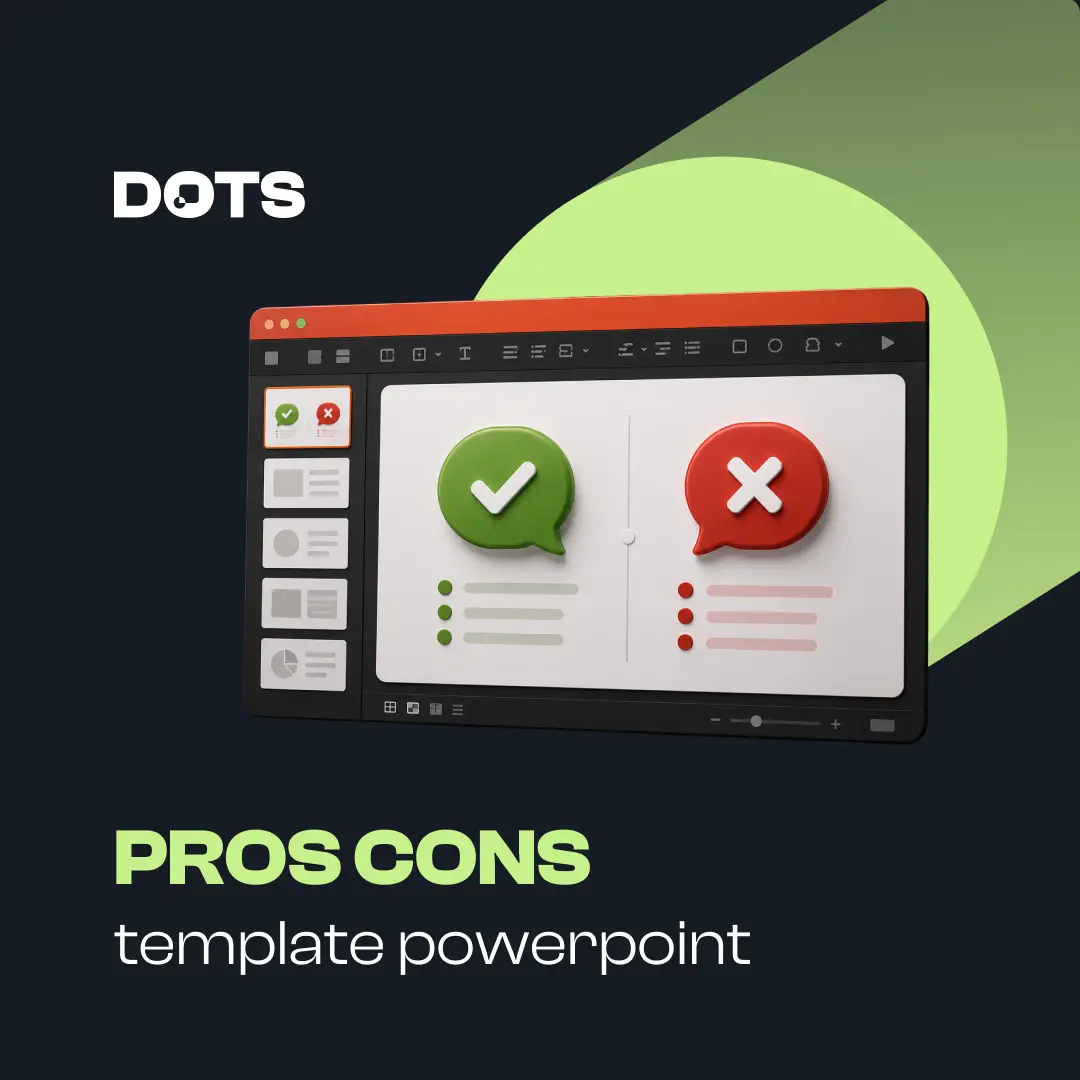
A pros cons template PowerPoint topic is really about one key question: should you use a ready-made PowerPoint template, or build your presentation from scratch? Templates can save time, improve consistency, and make slides look more polished. But they can also create generic, rigid, or off-brand presentations if used poorly. This guide explains the main advantages and disadvantages of using PowerPoint templates, so you can decide when they help and when they hold your presentation back.
What Is a PowerPoint Template?
A PowerPoint template is a pre-designed presentation file that includes slide layouts, fonts, colors, placeholders, and visual styles. It gives you a starting point instead of requiring you to design every slide from a blank canvas.
Templates can include title slides, section dividers, agenda slides, charts, timelines, team slides, comparison layouts, and closing slides.
Some templates are simple and flexible. Others are highly designed and specific to a theme, industry, or use case.
The value of a template depends on how well it fits your content, audience, and brand.
Pros Cons Template PowerPoint: The Main Advantages
Using a PowerPoint template can be a smart choice when you need a polished presentation quickly. It gives structure to your deck and helps you avoid common design mistakes.
The biggest benefit is speed. Instead of spending hours choosing layouts, spacing, and visual treatments, you can focus more on the message.
Templates are especially useful for recurring presentations, internal updates, sales decks, training materials, and reports.
Pros Cons Template PowerPoint: The Main Advantages
Using a PowerPoint template can be a smart choice when you need a polished presentation quickly. It gives structure to your deck and helps you avoid common design mistakes.
The biggest benefit is speed. Instead of spending hours choosing layouts, spacing, and visual treatments, you can focus more on the message.
Templates are especially useful for recurring presentations, internal updates, sales decks, training materials, and reports.
Pro 1: Templates Save Time
One of the clearest advantages of using a PowerPoint template is that it saves time. You do not have to build every slide from scratch.
A good template already includes useful layouts, such as:
Title slides
Agenda slides
Timeline slides
Process slides
Data slides
Comparison slides
Closing slides
This makes it easier to create a complete deck faster.
Templates are helpful when deadlines are tight, multiple people are contributing, or you need to produce presentations regularly.
Pro 2: Templates Create Visual Consistency
Templates help keep your presentation visually consistent. They usually include set fonts, colors, spacing, and layout rules.
This matters because inconsistent slides can make a presentation feel unprofessional. If every slide uses different formatting, your audience may focus on the design problems instead of the message.
A template gives the deck a unified look. It helps make charts, section breaks, text slides, and visual slides feel like part of the same story.
Consistency is especially important for business presentations, investor decks, sales decks, and branded company materials.
Pro 3: Templates Help Non-Designers Build Better Slides
Not everyone creating presentations is a designer. A good PowerPoint template gives non-designers a helpful structure to follow.
Instead of guessing where to place text, images, icons, and charts, users can work within pre-built layouts.
This reduces the risk of common slide design issues, such as:
Too much text on one slide
Poor alignment
Inconsistent spacing
Weak hierarchy
Random font choices
Cluttered layouts
Templates do not replace good thinking, but they can make slide creation easier and more reliable.
Pro 4: Templates Can Support Brand Standards
Custom PowerPoint templates are useful for companies that need brand consistency across teams.
A branded template can include approved colors, fonts, slide layouts, icon styles, chart formats, and logo placement. This helps teams create presentations that feel aligned with the company identity.
For businesses, this can be valuable across sales, marketing, leadership, HR, training, and investor communications.
The best presentation templates are not just decorative. They act as a practical system for creating clear, consistent, and on-brand presentations.
Pro 5: Templates Make Recurring Presentations Easier
Many teams create the same types of presentations again and again. These might include weekly reports, quarterly business reviews, proposal decks, pitch decks, or training sessions.
A template makes recurring work easier because the structure is already there.
You can reuse proven slide formats instead of rebuilding them each time. This saves time and helps teams maintain a consistent standard.
For example, a sales team might use the same structure for client proposals. A leadership team might use the same layouts for monthly performance updates.
The Cons of Using a PowerPoint Template
Templates can be helpful, but they also have limitations. A poor template can make your presentation look generic, restrict your message, or create unnecessary design problems.
The main risk is that the template starts controlling the content instead of supporting it.
A presentation should be built around the audience, message, and decision. If the template does not fit those needs, it can weaken the final result.
Con 1: Templates Can Look Generic
Many PowerPoint templates look polished at first, but they can also feel generic. If the design is widely used, your presentation may look similar to many others.
This can be a problem in high-stakes situations, such as sales pitches, investor presentations, and keynote decks.
A generic template may make your message feel less original or less tailored. It can also reduce trust if the audience feels the deck was assembled quickly without much thought.
Templates work best when they are adapted to your brand, audience, and content.
Con 2: Templates Can Force the Wrong Structure
Not every presentation fits neatly into a pre-made template. Sometimes the available layouts do not match the story you need to tell.
For example, your content may need a strategic narrative, a decision flow, or a custom data explanation. A generic template may only offer standard layouts like bullet slides, image slides, and simple charts.
When this happens, users often force their content into the template. The result can feel awkward, unclear, or disconnected.
The structure of the presentation should come from the message, not from the template.
Con 3: Templates Can Encourage Overdesign
Some templates include too many decorative elements. They may use bold gradients, heavy icons, complex shapes, animations, or image effects.
These elements can make slides look busy. They can also distract from the message.
A beautiful slide is not always an effective slide. In business presentations, clarity matters more than decoration.
If the template makes your slides harder to read, it is not helping.
Choose templates with clean layouts, strong whitespace, and clear hierarchy.
Con 4: Templates May Not Fit Your Brand
A downloaded template may not match your company’s brand. The colors, fonts, icons, image style, and layout choices may feel disconnected from your identity.
Even small inconsistencies can make a deck feel less professional.
For example, if your website and sales materials use a minimal design style, but your PowerPoint template uses dramatic gradients and decorative icons, the deck may feel off-brand.
This is why many companies benefit from custom presentation templates designed specifically for their brand and use cases.
Con 5: Templates Can Create False Confidence
A template can make a presentation look finished before the message is actually clear.
This is one of the biggest risks. A polished layout can hide weak thinking, unclear structure, or unsupported claims.
Good presentation design starts with the message. The template should support that message, not replace the thinking behind it.
Before focusing on slide design, ask:
What does the audience need to understand?
What decision or action do we want?
What is the main takeaway?
What evidence supports it?
What should happen next?
A template helps most when those answers are already clear.
When Should You Use a PowerPoint Template?
You should use a PowerPoint template when speed, consistency, and repeatability matter.
Templates are a good choice for:
Internal updates
Training decks
Recurring reports
Company-wide presentation systems
Sales enablement materials
Proposal decks
Simple educational content
They are also useful when multiple team members need to create presentations with the same visual standard.
In these cases, a template can reduce design time and improve quality across the organization.
When Should You Avoid a Standard Template?
You may want to avoid a standard template when the presentation is highly strategic, complex, or high-stakes.
This includes:
Investor pitches
Major sales presentations
Board presentations
Product launches
Conference keynotes
Executive decision decks
These presentations often need a custom narrative and custom visuals. A generic template may not give you enough flexibility to communicate the message properly.
In high-stakes situations, the deck should be designed around the story, not just placed into pre-made layouts.
How to Choose the Right PowerPoint Template
The best template is not always the most visually impressive. It is the one that makes your content clearer.
Look for a template that has:
Clean slide layouts
Strong spacing
Readable typography
Editable charts and shapes
Flexible content sections
Professional color use
Simple visual hierarchy
Room for recommendations and takeaways
Avoid templates that rely too heavily on decorative effects, tiny text, or overly complex layouts.
A strong template should make your work easier, not harder.
Final Verdict: Are PowerPoint Templates Worth It?
PowerPoint templates are worth using when they save time, create consistency, and support clear communication.
They are less useful when they make your presentation feel generic, rigid, or disconnected from your message.
The best approach is to treat a template as a starting point, not a finished solution. Use it to create structure, but adapt it to your audience, story, and goal.
A strong presentation still needs clear thinking, relevant content, and purposeful design.
If your team needs polished, flexible, and brand-ready presentation templates, Dots Presentations can help you build a system that makes every deck faster to create and easier to understand.